Before you accept
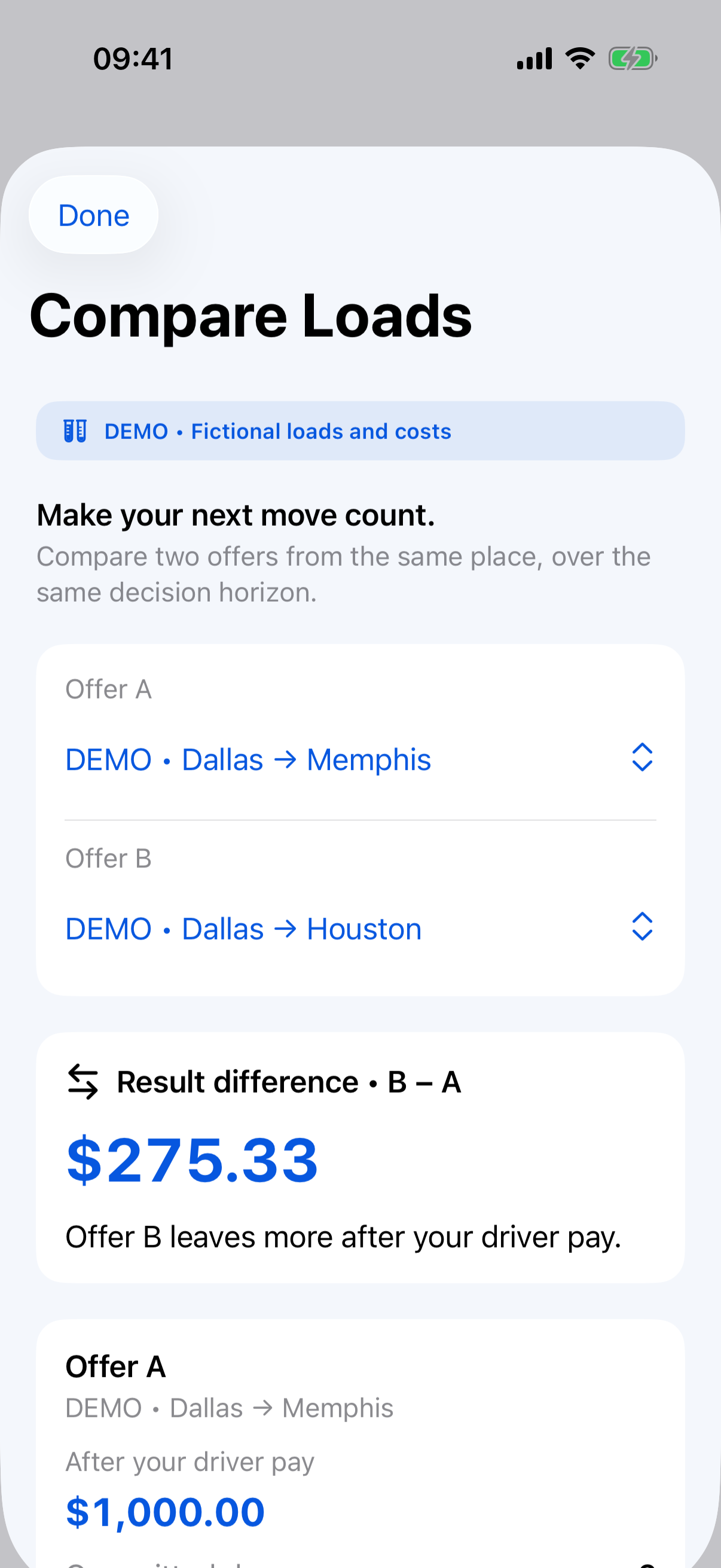
Configure truck costs, enter your offered rate and miles, and review the assumptions. Compare two offers with Pro.
FreeFOR OWNER-OPERATORS · iPHONE + iPAD
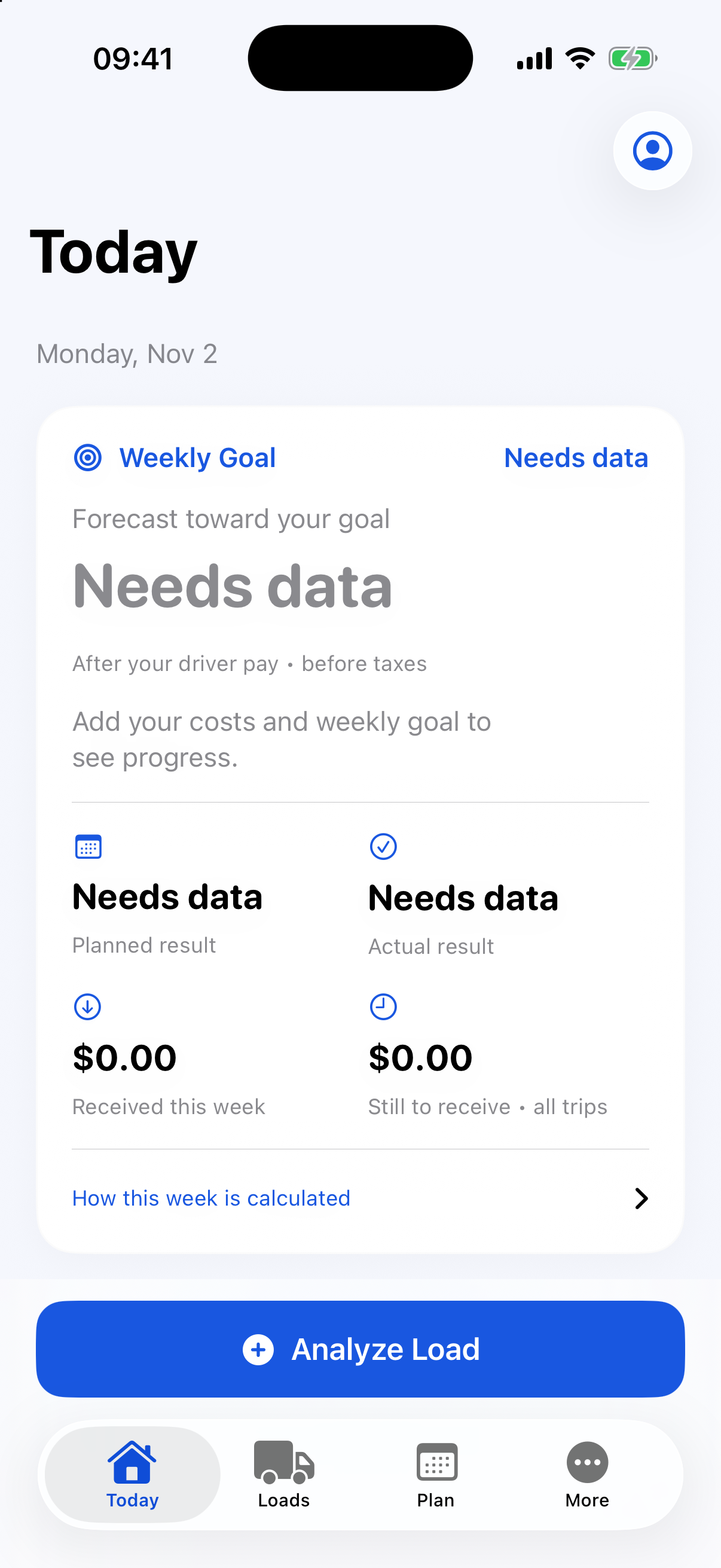
Plan a load, keep mileage and fuel records, and compare what you expected with what actually happened. One local workspace for the decisions behind your miles.
App Store review in progressMileProfit is not available for public download yet. These are the configured launch plans; no purchase takes place on this website.
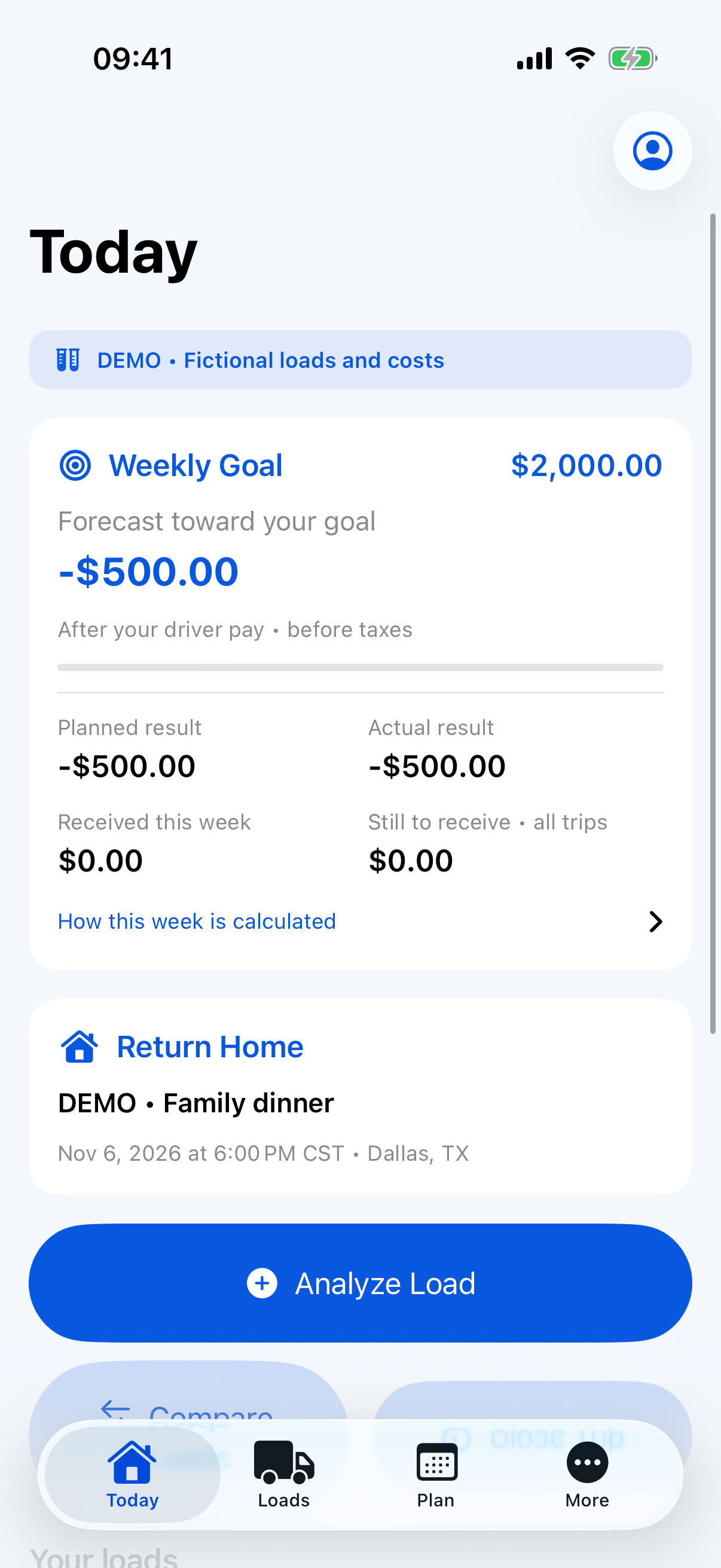
Screens show fictional demo data. Subscription access is verified by Apple; demo mode is separate.
FROM THE FIRST CHECK TO THE FINAL RECORD
Configure truck costs, enter your offered rate and miles, and review the assumptions. Compare two offers with Pro.
FreeEnter fuel and jurisdiction mileage. Classify manual drives, export a mileage PDF, and protect time at home.
FreeClose a trip with Pro, record payments manually, and prepare mileage or IFTA records for review.
ProA CLEAR PLACE FOR EVERY RECORD
01 / LOAD ECONOMICS
Configure one truck cost profile with fuel, fixed costs, maintenance, tires, other variable costs, driver compensation and dispatch/factoring fees. Review cost per mile and break-even estimates with missing-data warnings.
Free02 / MILEAGE
Add and edit drives with addresses, dates, distance, vehicle, notes, tolls and parking. Classify business, personal or unclassified drives and review monthly or annual summaries.
Free03 / QUARTERLY REVIEW
Review jurisdiction totals, fleet MPG and estimated taxable gallons using the chosen fuel basis. Export a quarterly localized PDF and CSV package with optional receipt images; incomplete records stay marked for review.
ProMileProfit / iOS
Screens show fictional demo data. Subscription access is verified by Apple; demo mode is separate.
SAME PRO FEATURES. TWO BILLING OPTIONS.
Weekly planning, manual Drive Log and Drive Log reports are included in Free. Pro adds freight analysis and fuel/IFTA tools.
Free
US$0.00No subscription required
Three new saved load analyses in total. Unsaved calculations, Drive Log records and existing data are separate.
Pro Monthly
US$14.99/ month
All Free features, plus unlimited saved load analyses, comparison, trip closeout, fuel OCR and advanced IFTA reporting.
Pro Annual
US$129.99/ year
Charged once per year
All Free features, plus unlimited saved load analyses, comparison, trip closeout, fuel OCR and advanced IFTA reporting.
QUICK CHECK
A small example of checking your assumptions. This is fuel cost only, not net profit or the app's full load analysis.
Total miles ÷ MPG × diesel price. Excludes fixed costs, maintenance, driver pay, fees and other expenses. No entries leave this page.
QUESTIONS & ANSWERS
Free includes the cost profile and unsaved Spot Check calculations, three new saved load analyses in total, weekly planning, manual fuel and jurisdiction mileage, existing history, manual Drive Log and Drive Log PDF/CSV reports. Complete personal JSON export and local deletion remain available.
Pro adds unlimited new saved load analyses, comparison of two offers, trip closeout with planned versus actual results, local fuel receipt OCR, and advanced quarterly IFTA summaries and PDF/CSV packages. Monthly and annual subscriptions unlock the same features.
Eligible first-time subscribers receive two calendar months through Apple, once per subscription group. Confirming an eligible subscription in Apple's purchase sheet starts the trial. Afterward it renews at the selected monthly or annual price unless canceled. Cancel at least 24 hours before the trial ends if you do not want to renew.
No. It is a total of three new saved load analyses in the local workspace, including saved Spot Checks and duplicates. Deleting an analysis does not restore a creation. Unsaved calculations and Drive Log records do not use this counter; you can still read and edit existing load records.